Quick answer
- Use a dynamic QR code so you can update the menu anytime — no reprinting.
- Link to a fast, mobile-friendly menu page or PDF.
- Brand the code, add a "Scan for menu" frame, and place one on every table.
- Track scans to see your busiest tables and times.
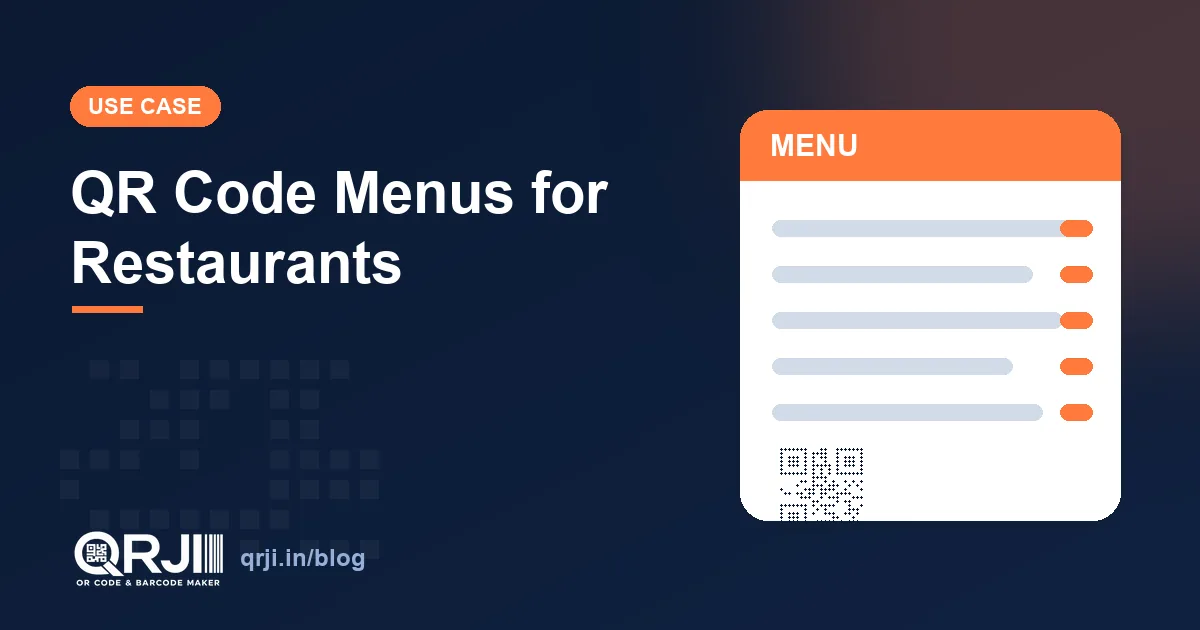
QR code menus went from novelty to normal almost overnight, and the reasons they stuck are simple: they're cheaper than printing, easier to update, and they keep working when your prices change. Here's how to do them right.
Why use a QR code menu?
- No reprints. Change a dish or a price and the same code shows the new menu instantly.
- Cleaner tables. One small code replaces laminated menus that wear out.
- Insights. Dynamic codes show you scan counts by time and day.
- Upsell room. A digital menu can feature photos, specials and combos that paper can't.
How to set up a QR menu in 5 steps
- Put your menu online — a simple mobile-friendly page or a clean PDF.
- Create a dynamic QR code in QRJI and point it at that menu.
- Brand it: your colours, your logo, and a frame that says "Scan for menu".
- Print it on table tents, stickers or a stand — one per table.
- When the menu changes, update the destination in QRJI. The printed code stays the same.
Tips for a menu people actually enjoy
Keep the landing page light so it loads in a second on restaurant Wi-Fi. Group dishes clearly, add a few appetising photos, and make the "order" or "call waiter" action obvious. Avoid forcing an app download. A plain web page beats friction every time.
How much does a QR menu cost?
Almost nothing. You need somewhere to host the menu (a page or PDF) and a dynamic QR service. QRJI covers unlimited dynamic codes, branding and analytics for $1/month, far less than a single reprint of laminated menus.
Create unlimited dynamic, trackable QR codes and barcodes for just $1/month. Start free →
Frequently asked questions
Do QR code menus need an app?
No. A good QR menu opens a normal web page in the phone's browser — no app or download required.
How do I update my QR menu?
Use a dynamic code. Edit the destination in QRJI and every printed code instantly shows the new menu.
Can I see how many people scan my menu?
Yes. Dynamic QR codes in QRJI show scan counts by date, time and device so you can spot your busiest periods.
How much does a QR code menu cost?
Just the cost of hosting your menu plus a dynamic QR plan. QRJI is $1/month for unlimited dynamic codes and analytics.
Related articles
How to Create a QR Code in 2026 (Free, Step-by-Step)
The complete beginner's guide to making your first QR code: what to choose, how to brand it, and how to make sure it always scans.
Dynamic vs Static QR Codes: Which One Should You Use?
They look identical, but the difference can make or break your campaign. Here's exactly when to use each, and why it matters.
QR Code vs Barcode: What's the Difference?
1D or 2D? Retail or marketing? A plain-English comparison of QR codes and barcodes, and how to pick the right one.
Ready to create your code?
Dynamic QR codes, barcodes, analytics and bulk tools, all for $1/month.
14-day free trial · No card required · Cancel anytime